
Paperless E-Billing
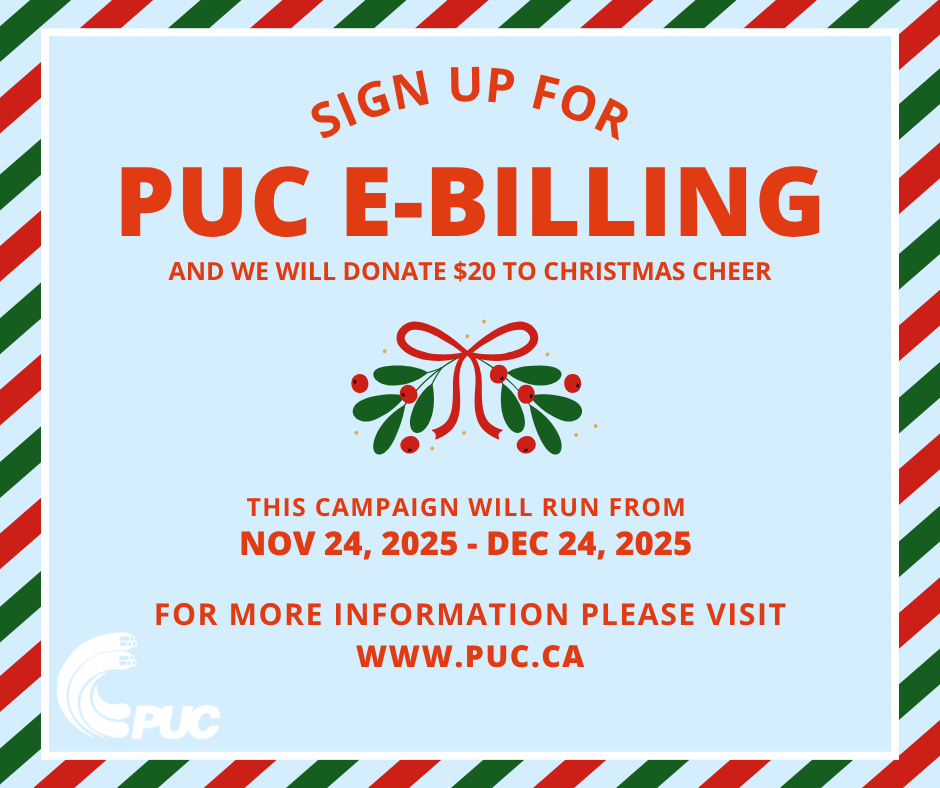
PUC E-Billing Campaign in Support of Christmas Cheer
Register by phone
Our Customer Service representatives can help you register for an online account and online billing. Call us at 705-759-6500 (Monday to Friday, 9 a.m. to 4:30 p.m.) for assistance.
Register by Downloading the MyPUC App
This will automatically enroll you in e-billing. Watch this video below for a step-by-step tutorial.
Register on PUC's CustomerConnect
To register for online billing, click on Account Login. If you don’t have an online account, create one today. All you need is a valid email address and your PUC Account #.
Step 1: Click on Register and enter the required information. Your Password must contain a minimum of 7 characters and 1 digit.
Step 2: You will receive a successful registration message and an email confirmation to activate your account. Go to your email to verify your account.
Step 3: Login to your Account Login. You will be on the home page that shows the Electrical Usage Report as well as your customer information (Name, Account Balance, Etc.).
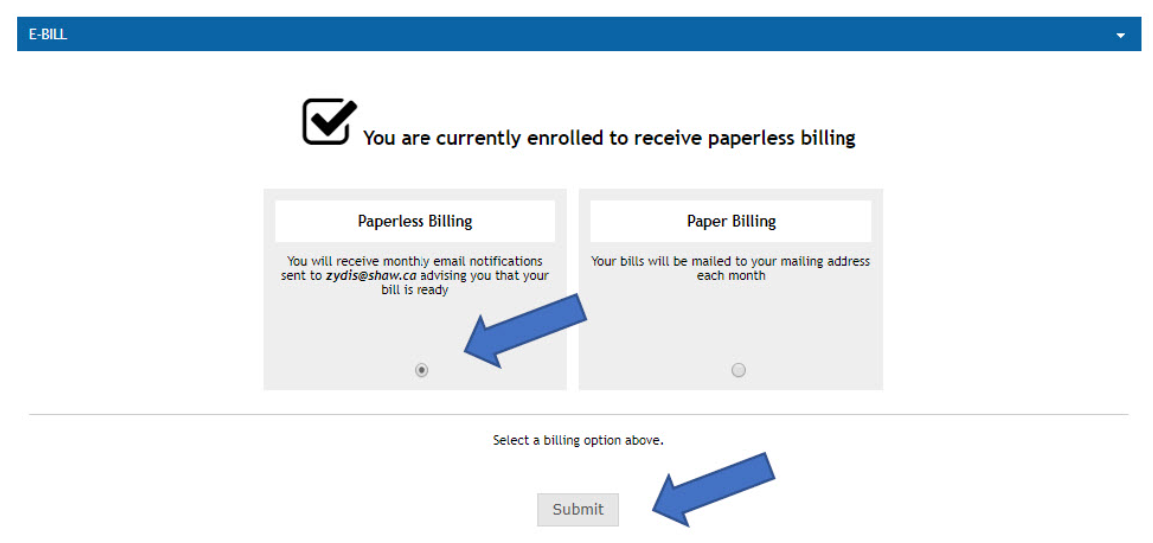
Step 4: To select Paperless E-Billing, click on Billing and select E-Bill. The following screen will be shown, and you can select Paperless Billing and then Submit.
Please note that you will receive another e-mail from PUC confirming that you have successfully subscribed to E-Billing.
Contact Us
PUC Services Inc.
500 Second Line East
PO Box 9000
Sault Ste. Marie, P6A 6P2
Office Hours By Phone
Monday – Friday
9:00 a.m. – 4:30 p.m.
Customer Experience: 705-759-6500
Emergencies: 705-759-6555
Sign up to our Newsletter
Stay up to date on PUC's activities, events, programs and operations by subscribing to our eNewsletters.